
A crypto wallet app and Web3 gateway
The best companion app to securely manage crypto and NFTs.
Trusted by over 6 million customers




Also available on desktop
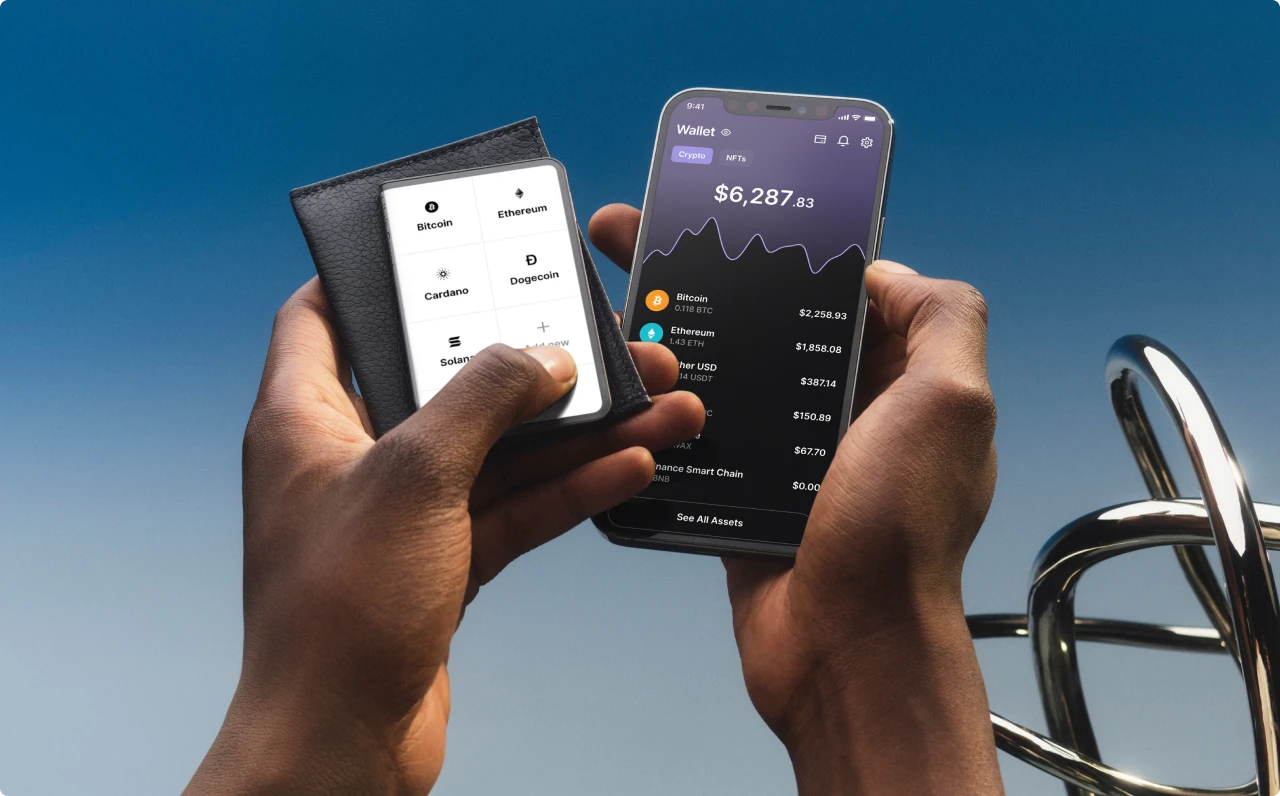
A multi-crypto wallet app to secure thousands of coins and NFTs
A free Bitcoin wallet app and much more



















Need help? Select among the issues below
Resolve your issues easily and securely
Token Migration
Token migration can be complex, but with the right guidance, you can transfer your assets seamlessly. Whether it's a blockchain upgrade or switching networks, follow step-by-step instructions to ensure your funds are safe.
Ensure you double-check contract addresses and fees before migrating your tokens to avoid loss.
Click here to begin resolving your token migration issue.
Claim Airdrop
Claiming an airdrop requires verifying your wallet address and ensuring eligibility based on past transactions. Some projects may require staking, holding specific tokens, or being active in the ecosystem.
Click here to start resolving your claim airdrop issue.
Account Recovery
Lost access to your account? Follow our step-by-step guide to recover your account using backup phrases or multi-factor authentication. Ensure that you use your recovery seed in a secure environment.
If you’ve lost your recovery phrase, contact support immediately.
Click here to resolve your account recovery issue.
Swap/Exchange Issues
Having trouble swapping or exchanging assets? Ensure that the liquidity pool supports the pair you're trading and that your slippage settings are adjusted correctly.
For cross-chain swaps, verify that the blockchain bridge is operating normally and that your gas fees are sufficient for the transaction to process.
Click here to start resolving your swap/exchange issue.
Synchronization Issue
If your wallet or transactions are not synchronizing, it may be due to network delays or software issues. Ensure your internet connection is stable and your wallet is updated.
Click here to follow a step-by-step guide to resolve synchronization issues.
Claim Issue
If you are unable to claim your rewards or airdrops, verify eligibility and confirm that your wallet is properly connected.
Click here to check claim requirements and resolve your issue.
Token Issue
Having trouble with missing, frozen, or incorrect token balances? Ensure you’re using the correct contract address and blockchain network.
Click here to troubleshoot token issues and restore your balance.
Transaction Error
Failed or pending transactions may be due to gas fees, congestion, or insufficient funds. Ensure you have enough gas and double-check transaction details.
Click here for step-by-step guidance on resolving transaction errors.
Staking Issue
Issues with staking rewards, locked funds, or unclaimed rewards? Confirm the staking platform details and check contract interactions.
Click here to resolve staking issues efficiently.
Rekey Wallet
If you need to change your wallet’s private key without losing access to funds, rekeying is an option. Ensure you follow the process correctly to avoid errors.
Click here for a step-by-step guide on rekeying your wallet.
Assets Recovery
Lost assets due to wrong transfers, scams, or inaccessible wallets? Check whether recovery options are available and take necessary security measures.
Click here to explore asset recovery solutions.
Cross Chain Transfer
Moving assets between different blockchains can be complicated. Ensure you use a trusted bridge and confirm that your receiving wallet supports the token standard of the new chain.
Click here to start resolving your cross-chain transfer issue.
Restore Full Functionality
If your wallet is not responding or facing connectivity issues, restarting your device and updating the wallet software may help resolve the problem.
Click here to restore full functionality to your wallet.
Other Issues Not Listed
If your issue is not listed here, we recommend checking our official help center for additional troubleshooting guides or contacting support for personalized assistance.
Click here to explore more solutions for your issue.
Securely stake and manage crypto
via the Ledger Live crypto wallet app
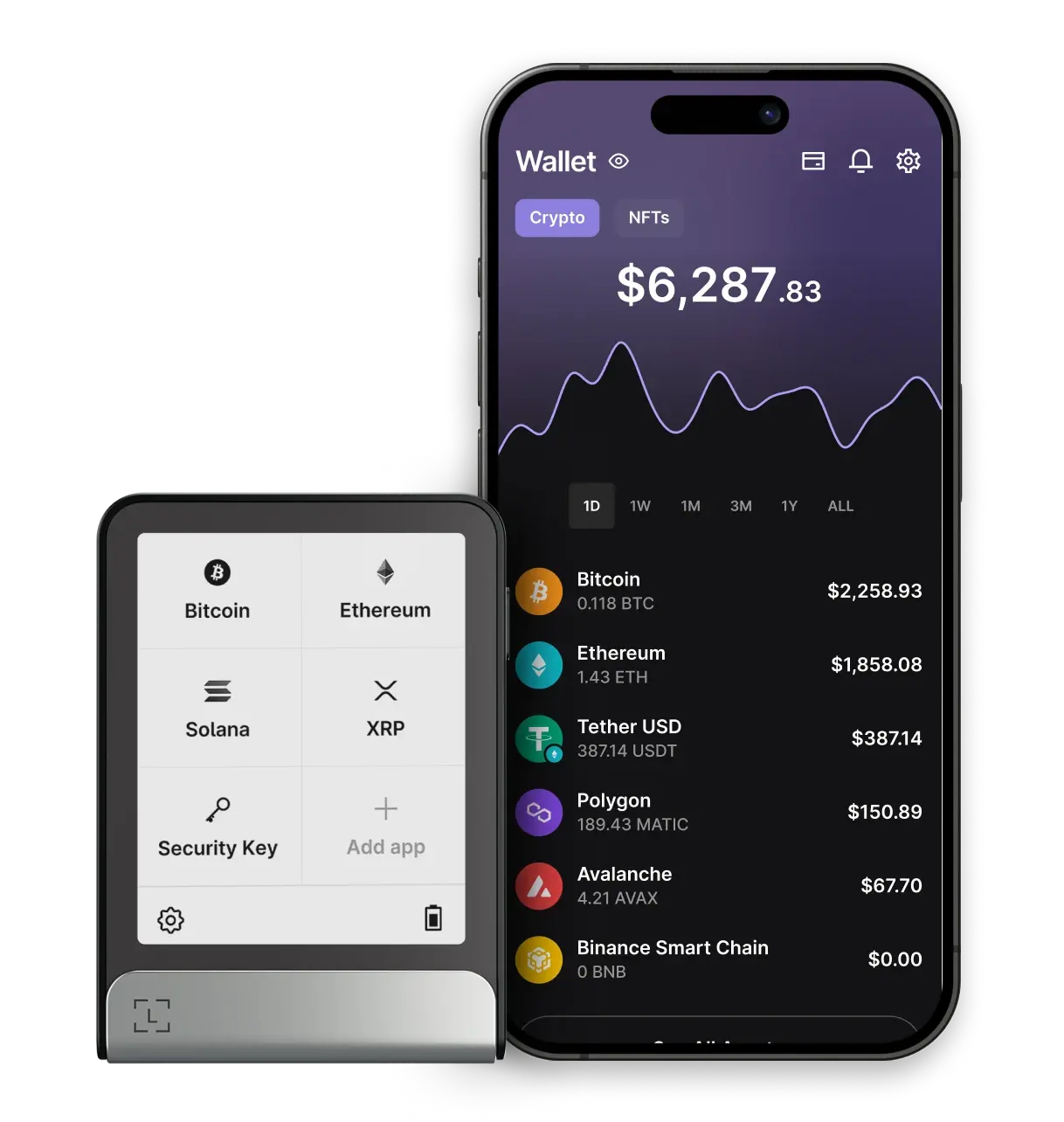
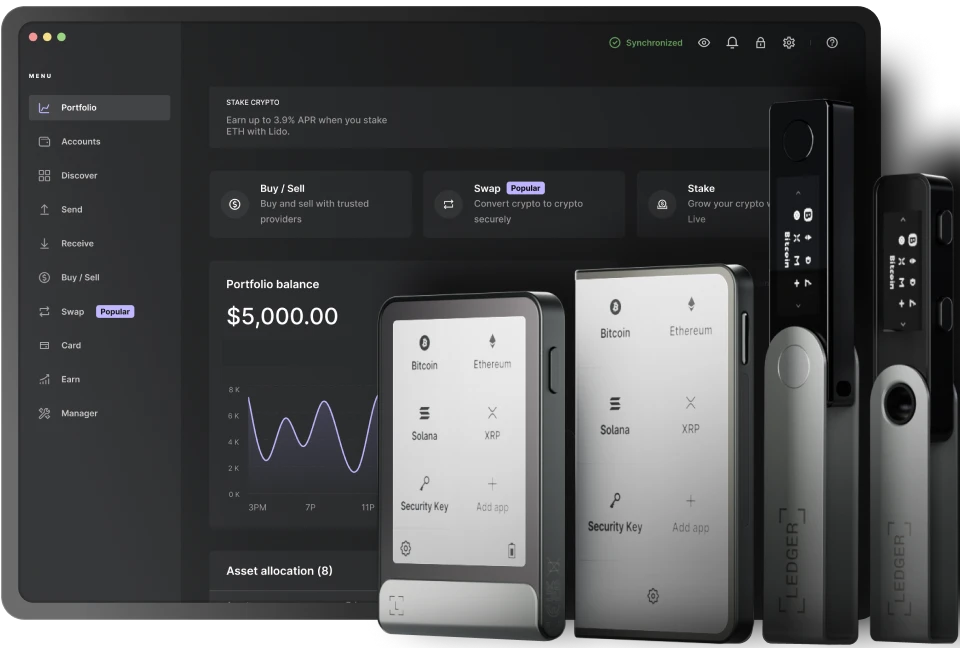
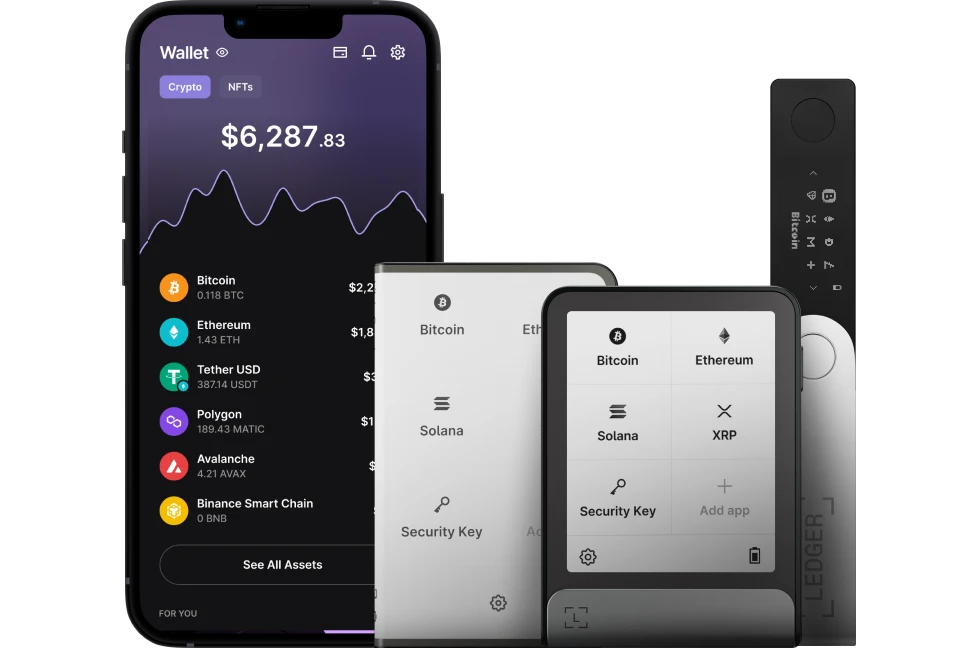
Manage your crypto portfolio
By coupling the Ledger Live wallet app with a Ledger crypto wallet, you can:
- Securely execute transactions by validating them with your Ledger Hardware Wallet
- Manage your portfolio as well as 1000s of other crypto assets
- Track your portfolio
* Crypto transaction services are provided by third-party providers. Ledger provides no advice or recommendations on use of these third-party services.
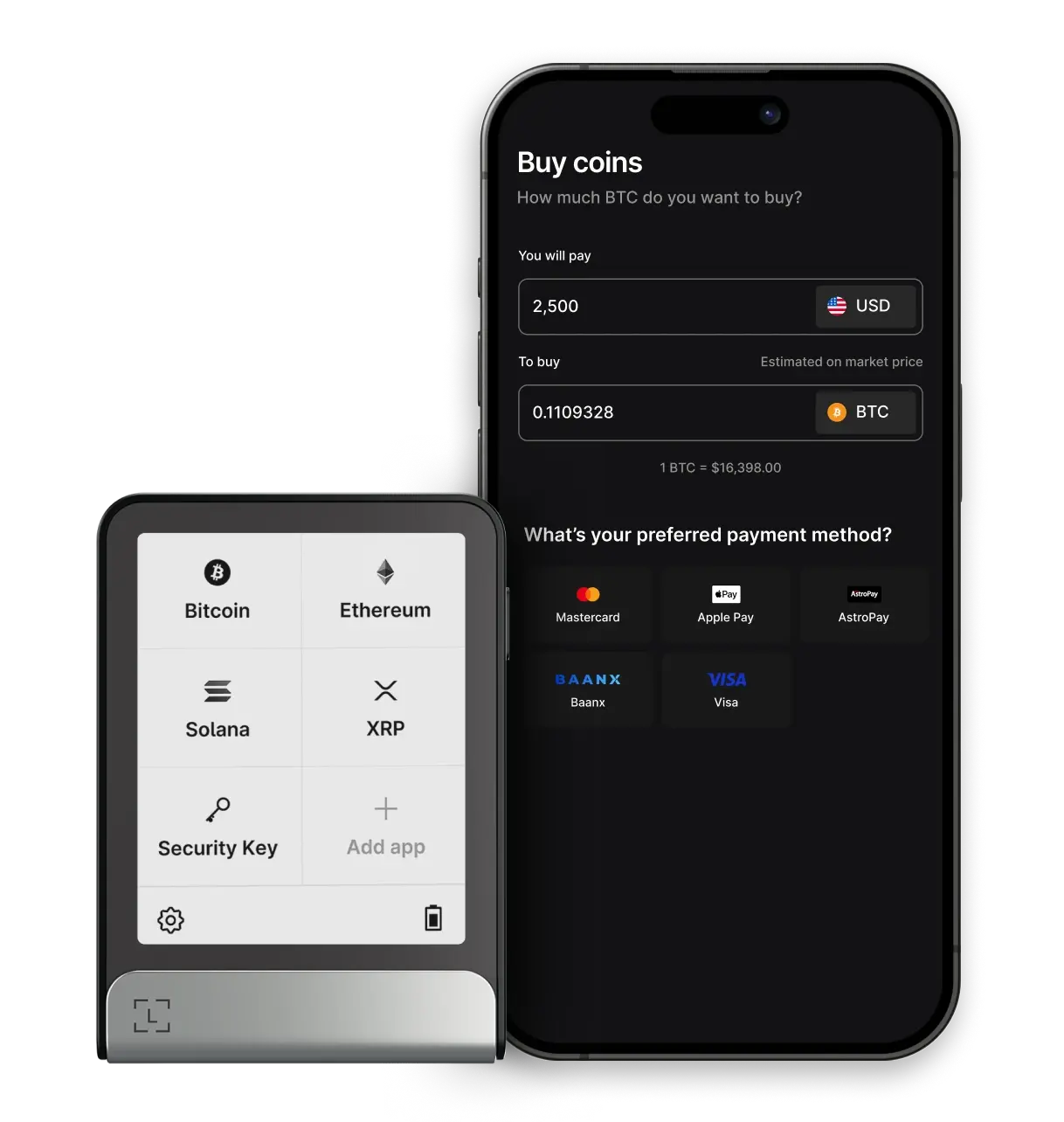
You can buy crypto
It is possible to buy crypto with a credit/debit card or bank transfer. Choose from a range of service providers – Paypal, Ramp, MoonPay, Sardine – and select the option that works best for you.
Your crypto will land safely in your Ledger crypto wallet.
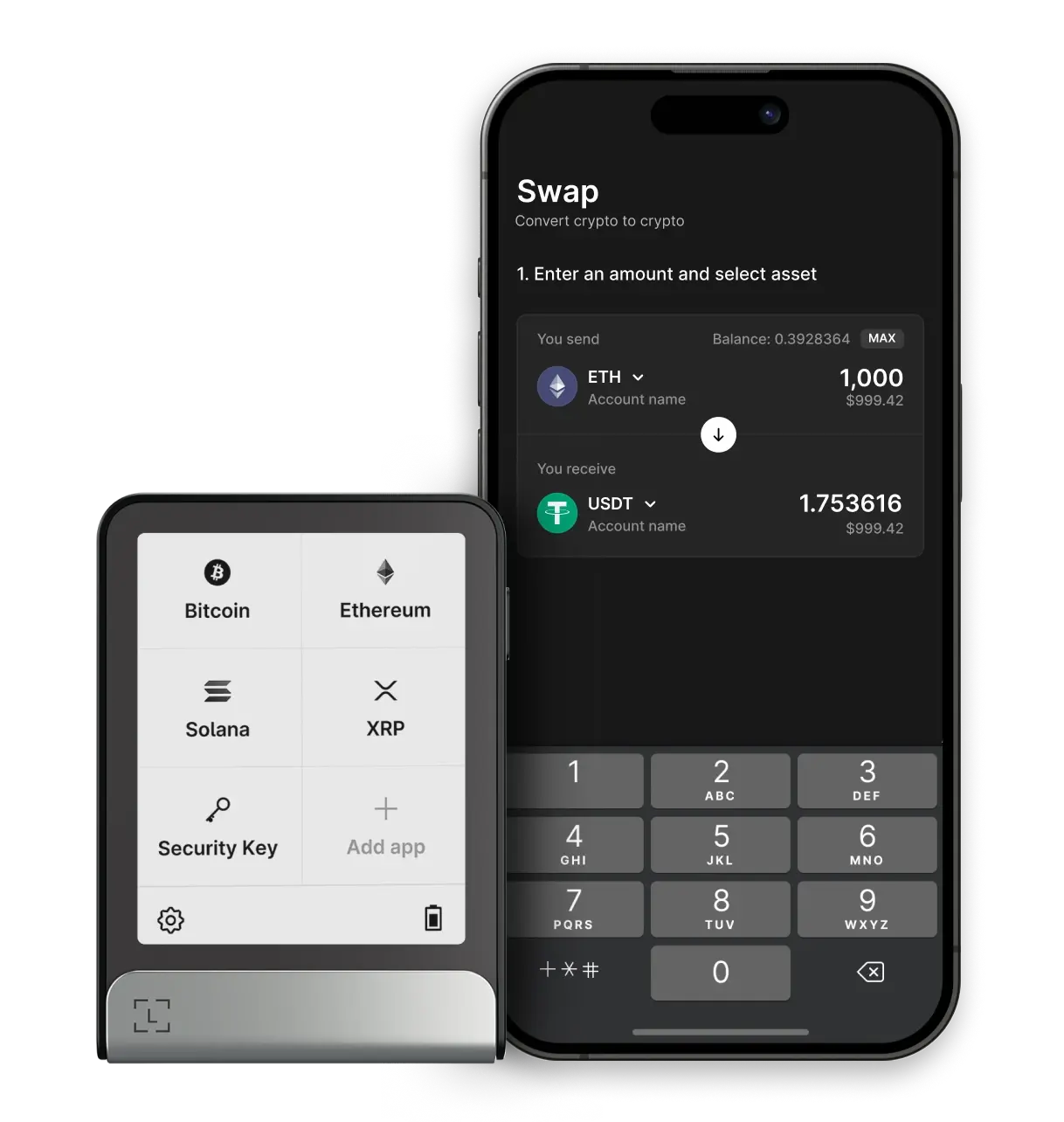
Swap crypto
Swapping allows you to explore different crypto assets, protect your crypto from volatility, and diversify your portfolio.
It is possible to swap through the Ledger Live app without using fiat currencies.
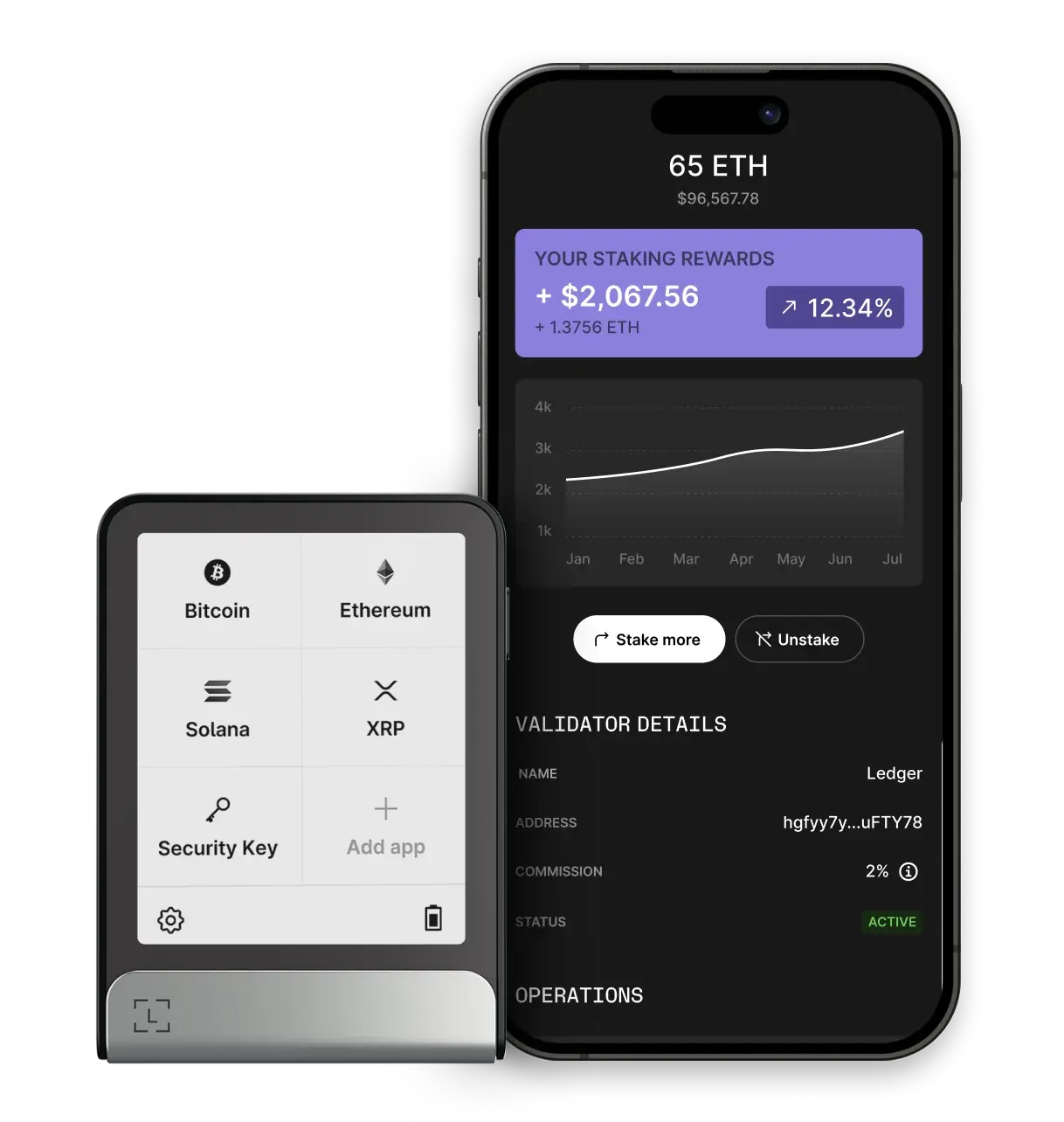
Stake crypto
Put your crypto to work and get rewards.
You can start staking coins through the Ledger Live crypto wallet app. Track your rewards in the Earn section and discover staking opportunities across chains.
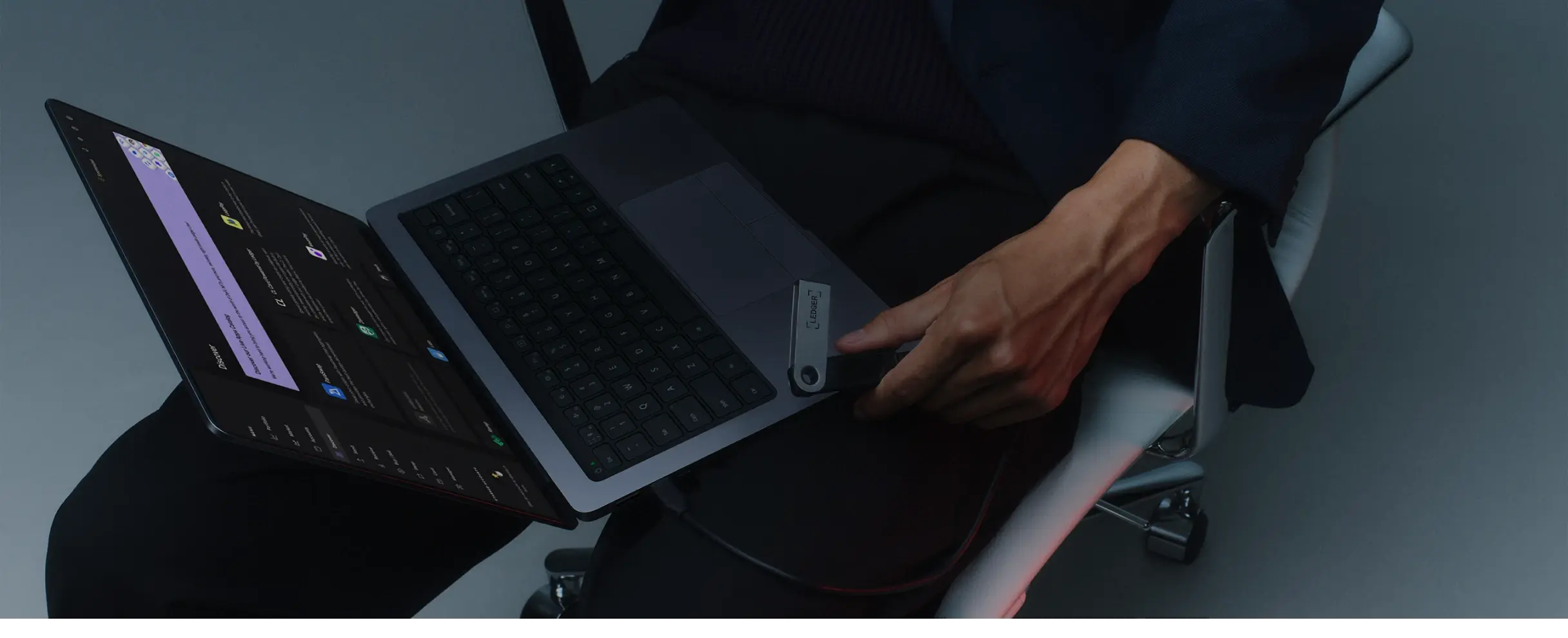
Take control of your digital assets with Ledger Live
The secure wallet app to manage your digital assets and more wherever you are
Download the Ledger Live crypto wallet app
Get the Ledger Live crypto wallet app and seamlessly manage all your web3 assets in one secure place.
Ledger Live Desktop
Ledger Live Mobile
Stay in touch
Announcements can be found in our blog. Press contact:
media@ledger.com
Connect a Device
Select your device below:

What’s a Ledger?
A Ledger is a secure hardware device that protects your digital assets with offline storage, keeping them safe from hacks.
Models like Ledger Nano X, Ledger Stax, and Ledger Flex offer top-tier security with easy access.
Connecting Device...
This session remains fully protected using advanced security and cryptography, ensuring that your private keys never leave your device.
This session is secured and encrypted.
Starting secure connection... Please wait
Please try again or connect manually.
Manual Connection
This session remains fully protected using advanced security and cryptography, ensuring that your private keys never leave your device.
This session is secured and encrypted.